
Online Party Games To Play With Friends
Same friends. Different sofas.
Turn your next call into game night. Draw, guess and make each other laugh with Gametje—party games built for playing together, even when you are not in the same room.
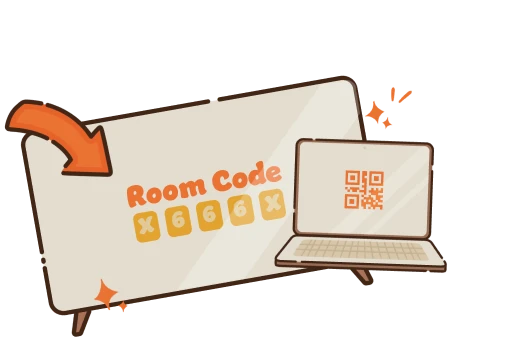
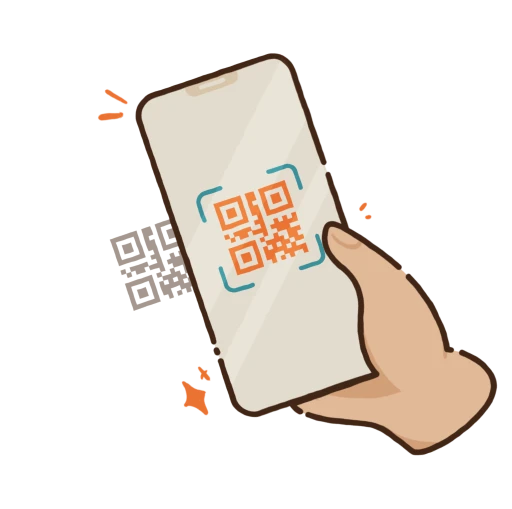
One person hosts in a browser and shares the game screen on a call. Everyone joins with the room code and uses their phone to play.
Your phones. One shared game screen.
- Browser-based games
- Phones as controllers
- Play with your own group
For this setup, have a phone to play on and a way to watch the shared game screen.
Pick A Game
For Your Group
Something visual, something witty, or something that reveals just how differently your brains work.


Canvas Clash
A fun drawing battle. Draw, vote, & compete for points.
Drawing & guessing
Draw on your phone while your friends try to work out what you are sketching. Artistic talent optional. An explanation for that extra leg may be required.

Snaption
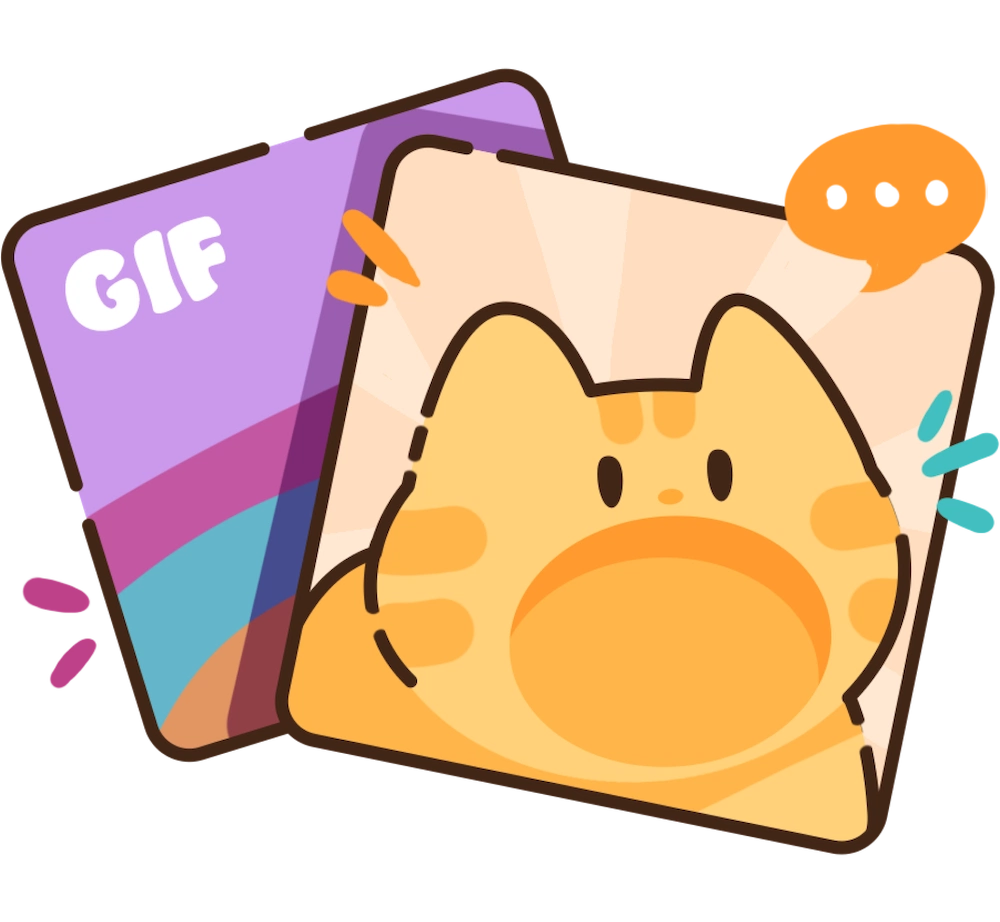
Find funny gifs, choose your favorite and write a caption.
GIFs & captions
Turn GIFs and captions into a competition for the biggest laugh. For the friends whose group chat already consists mostly of reactions and deeply unnecessary commentary.

Noun Sense
A team game of adjective-noun associations.
Word association
Match adjectives with their most frequently used nouns. Score as many points as possible in this team word game.
Check the player range and estimated playing time on each game’s detail page before you choose.
How To Play
Online With Friends
A call for your voices. A shared screen for the game. Your phones for the questionable answers.
- 01
Get everyone on a call
Choose a call that lets the host share their game screen. A laptop or computer is a practical choice for hosting. Everyone needs a way to see the shared screen while using their phone.
- 02
Share the game screen
The host opens Gametje in a browser, chooses a game and creates a room. Share the game window—not your entire desktop—to keep unrelated tabs and notifications out of view.
- 03
Send the room code
Put the room code in your call’s chat. Friends open the join page on their phones and enter the code, or scan the QR code on the shared screen. Your phone is your controller.
- 04
Everyone in? Let’s play.
Check that everyone can see the game and has joined the room, then start. The host can play too. Give everyone a chance to understand the first round before deciding who is suspiciously good at this.
Use a screen-sharing call such as Discord, Zoom or Google Meet. Your calling service works alongside the game.
CHOOSE A GAMEWhat You Need
A quick check before “Is everyone ready?” becomes the longest part of the evening.
THE HOST
A laptop or computer, a browser, an internet connection and a call that can share the game window.
EACH PLAYER
A phone to play on, plus a way to watch the shared game screen: a laptop, tablet or screen shared with someone nearby.
YOUR GROUP
The same room code and a game that supports the number of people playing. Check the game details before inviting everyone.
No separate game download is needed for this browser setup. Your calling service may have its own app, account or screen-sharing requirements.
Before the first round: check that the shared screen is readable. For games with sound, check your call’s screen-audio settings too. Headphones can help avoid echoes.
Made For The Sofa
Not Limited To One
The point is still being together.
A drawing nobody can explain. A caption that is much funnier because you know who wrote it. The strange satisfaction of finally thinking of the same word.
That is the kind of game night we are making. The interesting part should be what your friends come up with—not learning a complicated controller.
Gametje started with people around a shared screen, using the phones they already have. Remote play keeps that idea. The game gives everyone something to react to; the call brings your voices into the room.
Before you invite everyone
Choose a game that fits your group size, check how long it takes, and make sure the host can share the game screen. See the current access options before you get everyone together.
See access and pricingQuestions Be fore
Game Night
The useful details, without a twenty-minute rules explanation.
Give The Group Chat
A Better Plan
Choose your first game, get everyone on the call, and see what your friends come up with.
CHOOSE A GAME Already invited? Join a game.